
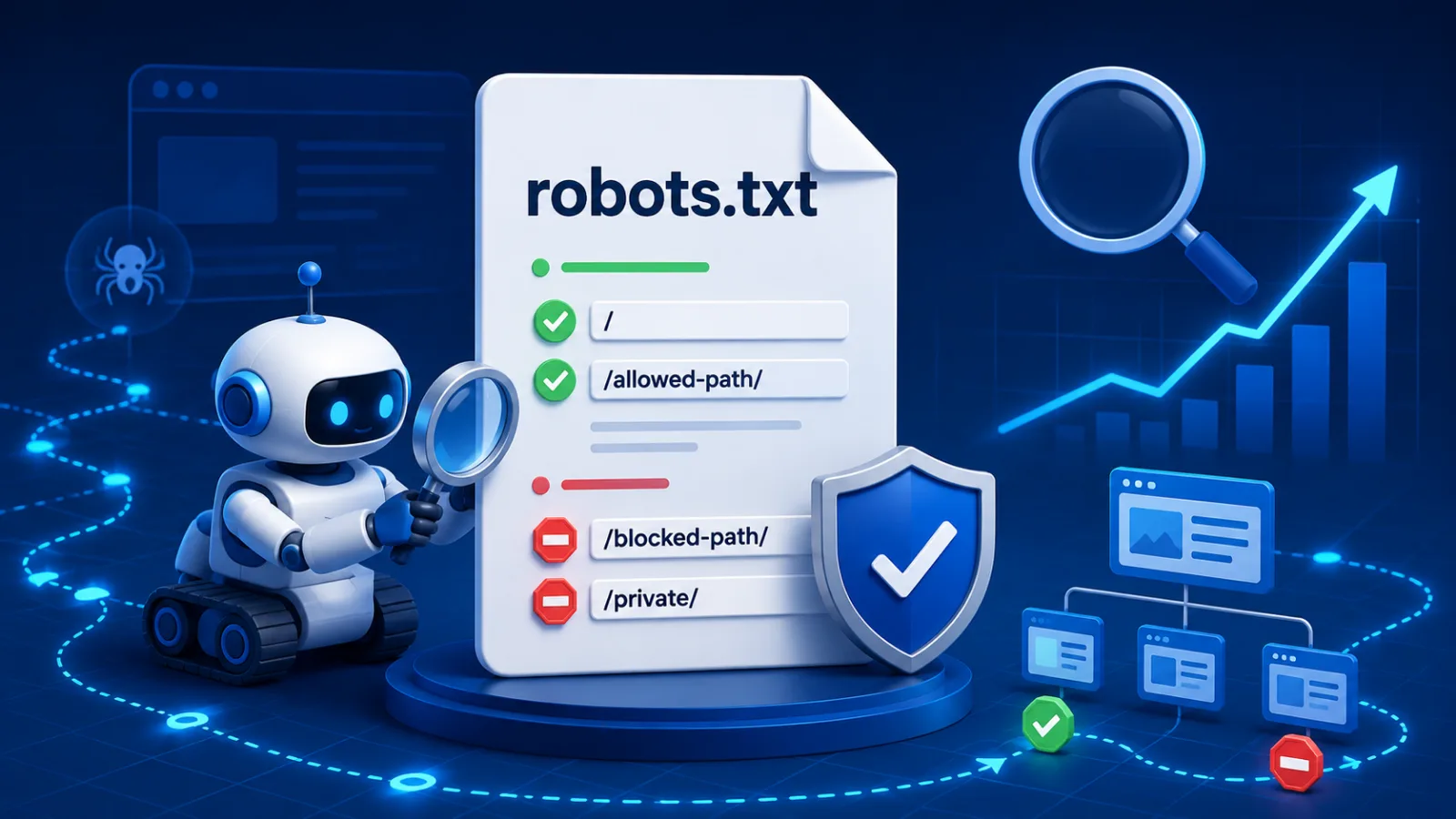
Every crawler that visits your site asks for one file before anything else:
/robots.txt. It is a plain text file at the root of your domain, and it tells
automated visitors which paths they may request. That is all it does — and almost every
expensive mistake with it comes from believing it does more.
What it actually controls
robots.txt controls crawling: whether a well-behaved bot will fetch a URL. It does not control indexing: whether that URL can appear in search results. Those are two different systems, and the file only touches the first one.
The consequence catches people out constantly. If you disallow a page in robots.txt, Google will stop fetching it — but if other pages link to it, it can still list the URL in results, with no description, because it is no longer allowed to look at the page to find out what is there. You have not removed it. You have removed your own ability to describe it.
To keep a page out of search results, use a noindex meta tag or
header, and allow crawling so the crawler can actually see it. Blocking the page in
robots.txt prevents Google from ever reading the noindex you put there.
How the file is read
A robots.txt file is a series of groups. Each group starts with one or more
User-agent lines naming which crawlers it applies to, followed by the rules for
them.
User-agent: *
Disallow: /admin/
Disallow: /cart
Allow: /admin/public-info

Sitemap: https://example.com/sitemap.xml
Three things about this that are not obvious:
- A crawler obeys exactly one group — the most specific one that names
it. If there is a group for
Googlebot, Googlebot reads that group and ignores the*group entirely, including any rules you assumed were inherited. - The most specific rule wins, not the last one. Between
Disallow: /admin/andAllow: /admin/public-info, the longer path match decides — so that one page stays crawlable. Sitemapis not part of any group. It is a file-level directive and applies regardless of user-agent. It can appear anywhere in the file.
The four mistakes
1. Shipping the staging file to production
A staging site quite correctly carries:
User-agent: *
Disallow: /
That one line blocks the entire site. Deploy it to production and your whole domain stops being crawled. It is the single most damaging line the file can contain, and it looks completely normal in a diff. Check it after every deployment that touches infrastructure — not just the ones that touch content.
2. Blocking CSS and JavaScript
Older advice said to disallow /assets/ or /static/ to save
crawl budget. Google renders pages now, and a page it cannot style or script is a page it
judges on a broken rendering of itself. Mobile-friendliness, layout shift and anything
loaded client-side all depend on those files being fetchable.
3. Using it to hide something
robots.txt is public. Anyone can read yours by typing the URL. Listing
/internal-admin-panel/ in it does not hide that path — it publishes a directory
of the things you would rather people did not find. If something needs to be private, it
needs authentication, not a polite request.
4. Assuming a blocked page is a removed page
Covered above, and worth repeating because it is the one that produces the confusing
symptom: a URL that keeps appearing in search results after you blocked it, listed without a
description. The fix is to unblock it and add noindex, then wait for a recrawl.
A reasonable default
Most sites need very little. Blocking genuinely useless URLs — internal search results, faceted filter combinations, cart and checkout — and pointing at the sitemap covers it:
User-agent: *
Disallow: /search
Disallow: /cart
Disallow: /checkout

Sitemap: https://example.com/sitemap.xml
If you cannot articulate what a Disallow line is protecting you from, it is
probably costing you more than it saves.
Checking yours
Two things are worth verifying, and they are different questions. First, that the file parses the way you think it does — that the group a crawler picks and the rule that wins are the ones you intended. Second, that the specific URLs you care about are actually allowed: it is very common for a rule written for one path to catch another by prefix.
Test a real URL against your real file rather than reading the rules and reasoning about them. Prefix matching, wildcards and group selection interact in ways that are easy to get wrong on paper and obvious the moment you check an actual address.